Bible 5-5-5 app icon - Daily spiritual discipline timer for Christian prayer, Bible reading, and meditation

Bible 5-5-5
Daily Spiritual Discipline Timer

15 minutes to transform your day

Bible 5-5-5 is a spiritual discipline timer that guides you through 5 minutes of prayer, 5 minutes reading Scripture, and 5 minutes of silent meditation. Perfect for Christians building a consistent devotional practice. Features worship music, Bible integration, streak tracking, and journal prompts. Start your daily quiet time with God today.

KEY FEATURES

🙏 5-5-5 guided timers—Pray, Word, Silence

📖 Auto-opens YouVersion Bible app

🎵 10 built-in soaking prayer tracks

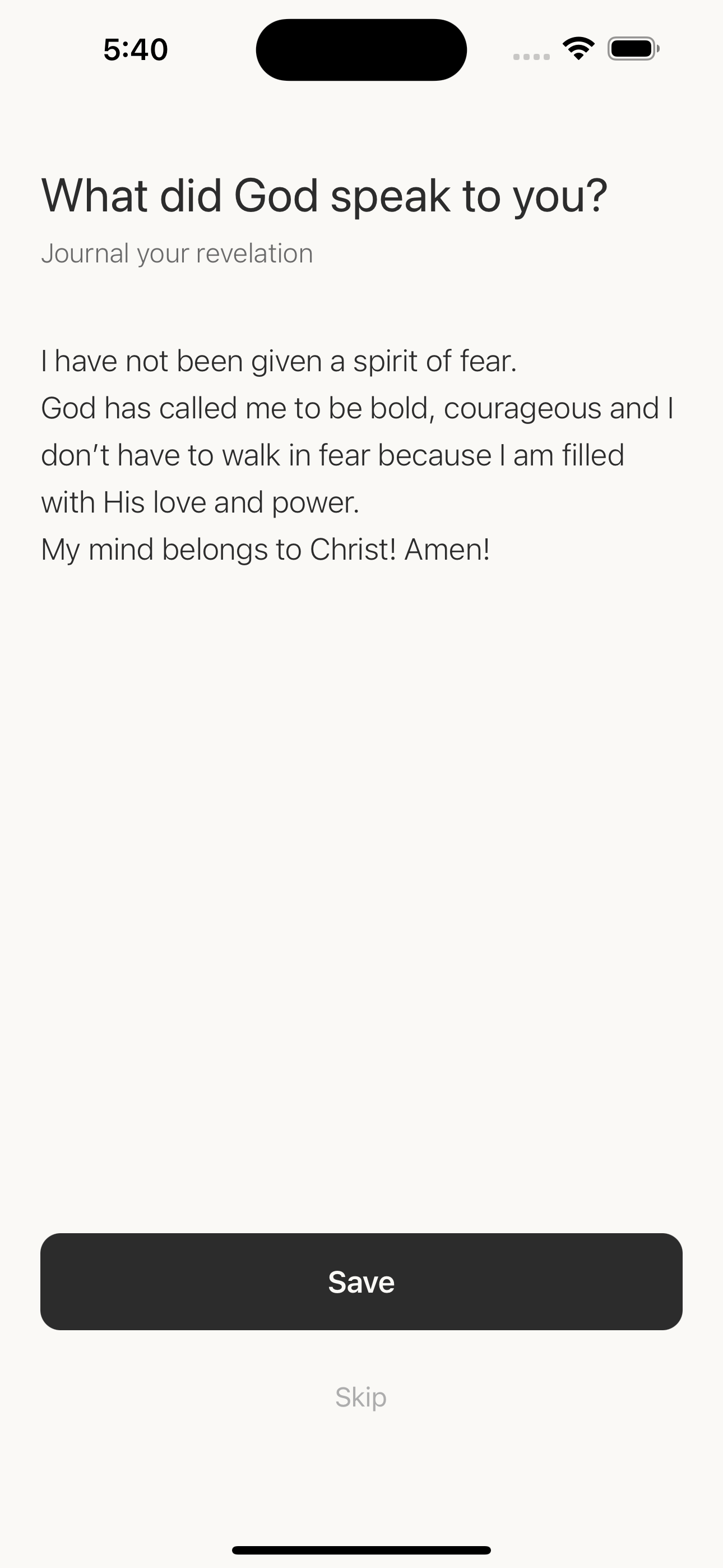
📔 Journal your revelations after each session

💎 Free forever (Pro unlocks extended timers)

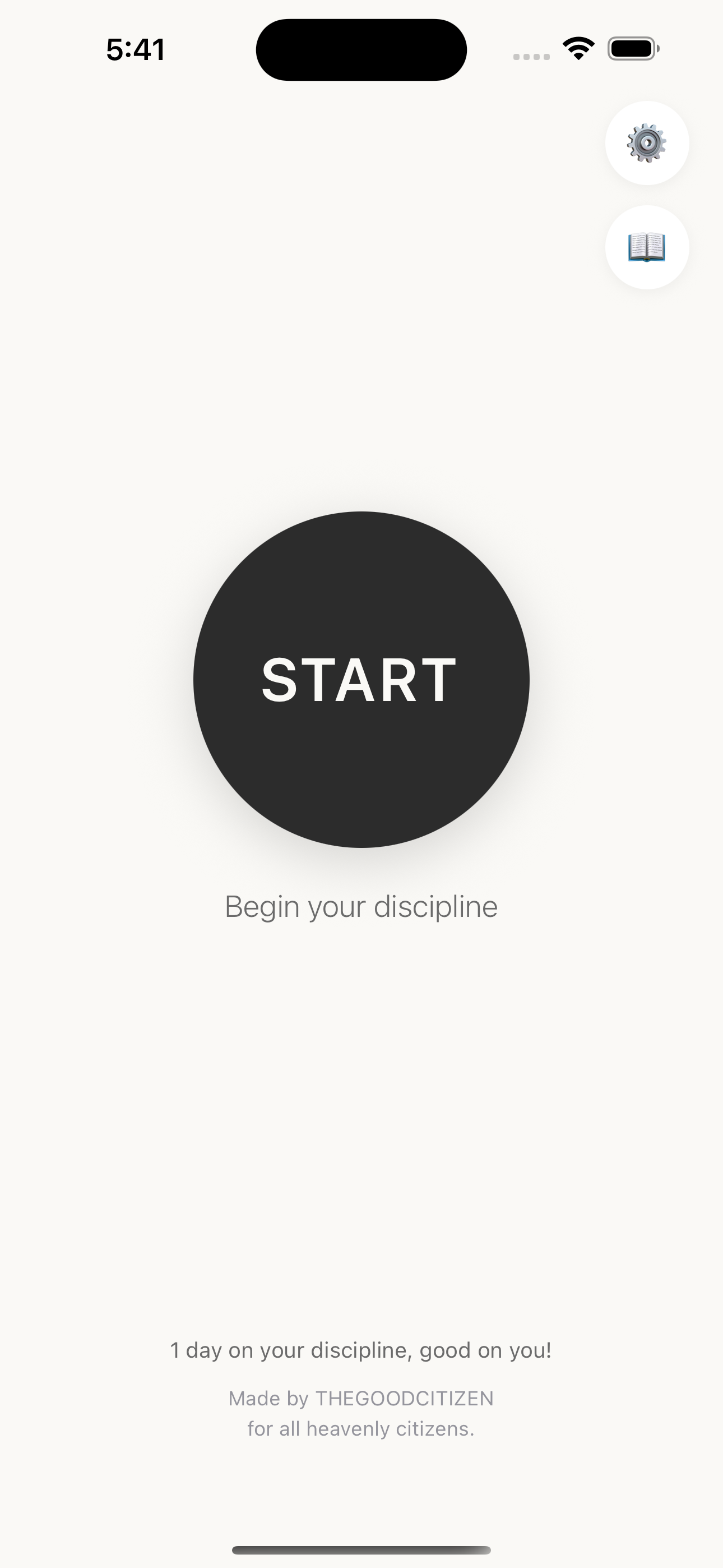
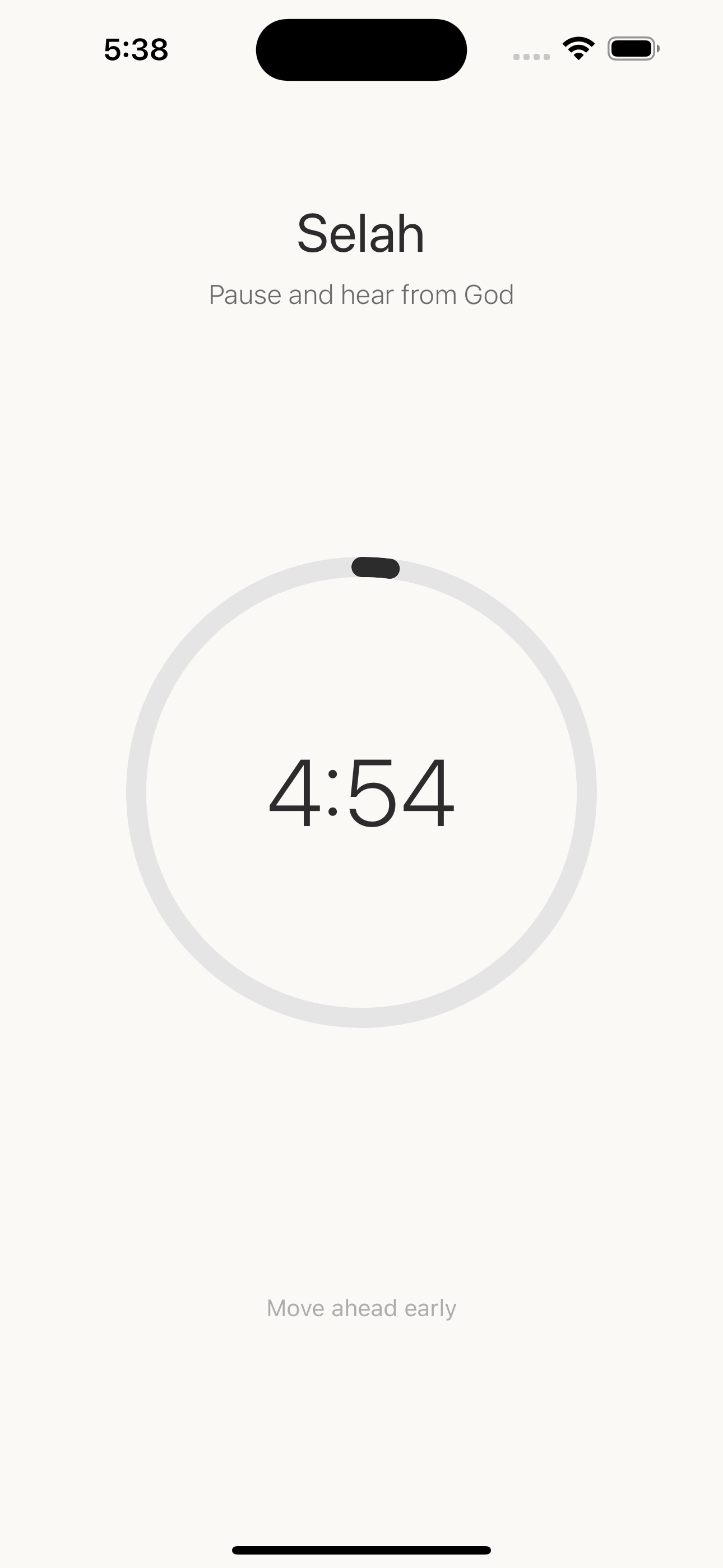
Bible 5-5-5 home screen - Start your daily spiritual discipline with 5 minutes of prayer, Word, and silence

Easy start

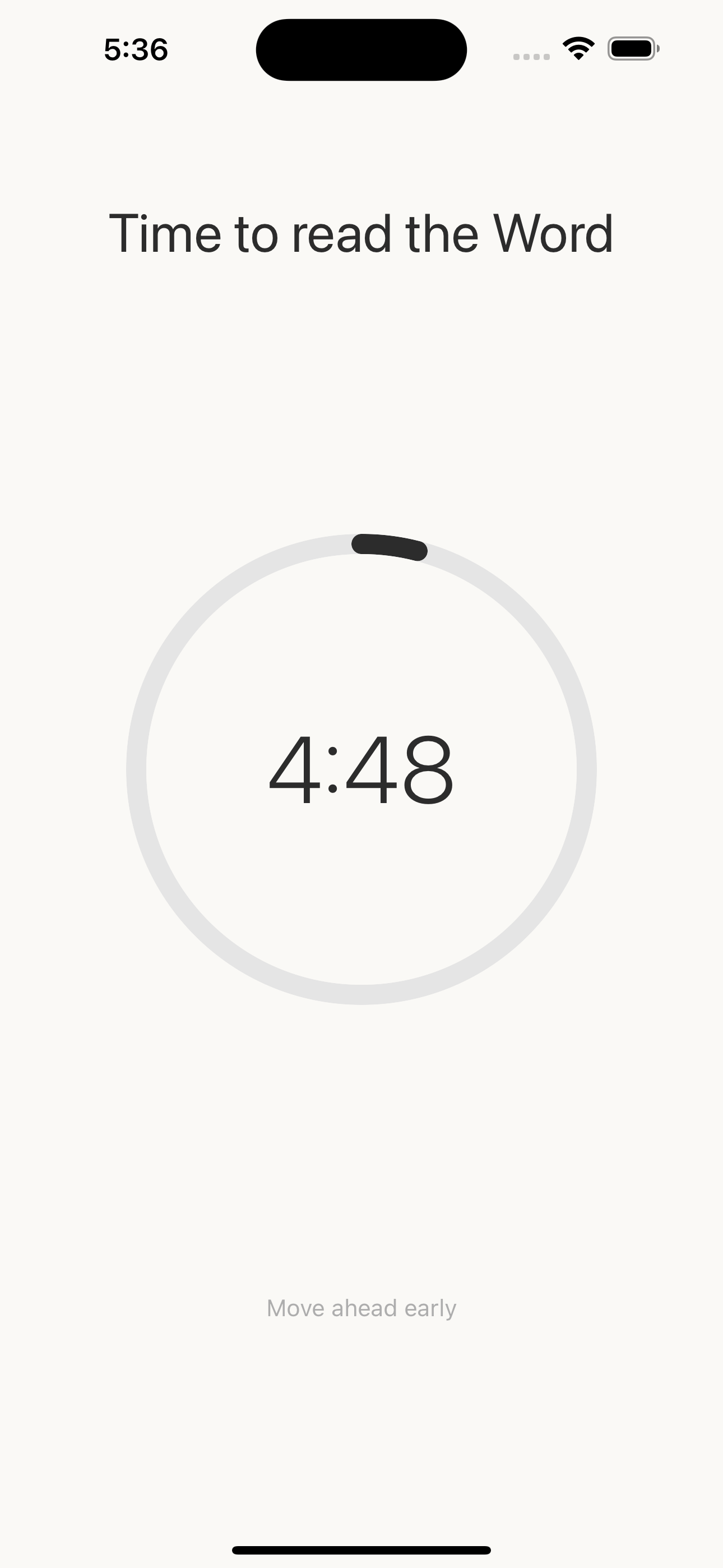
Bible 5-5-5 Word timer - 5-minute countdown for daily Bible reading and Scripture meditation

5 minutes of reading the Word

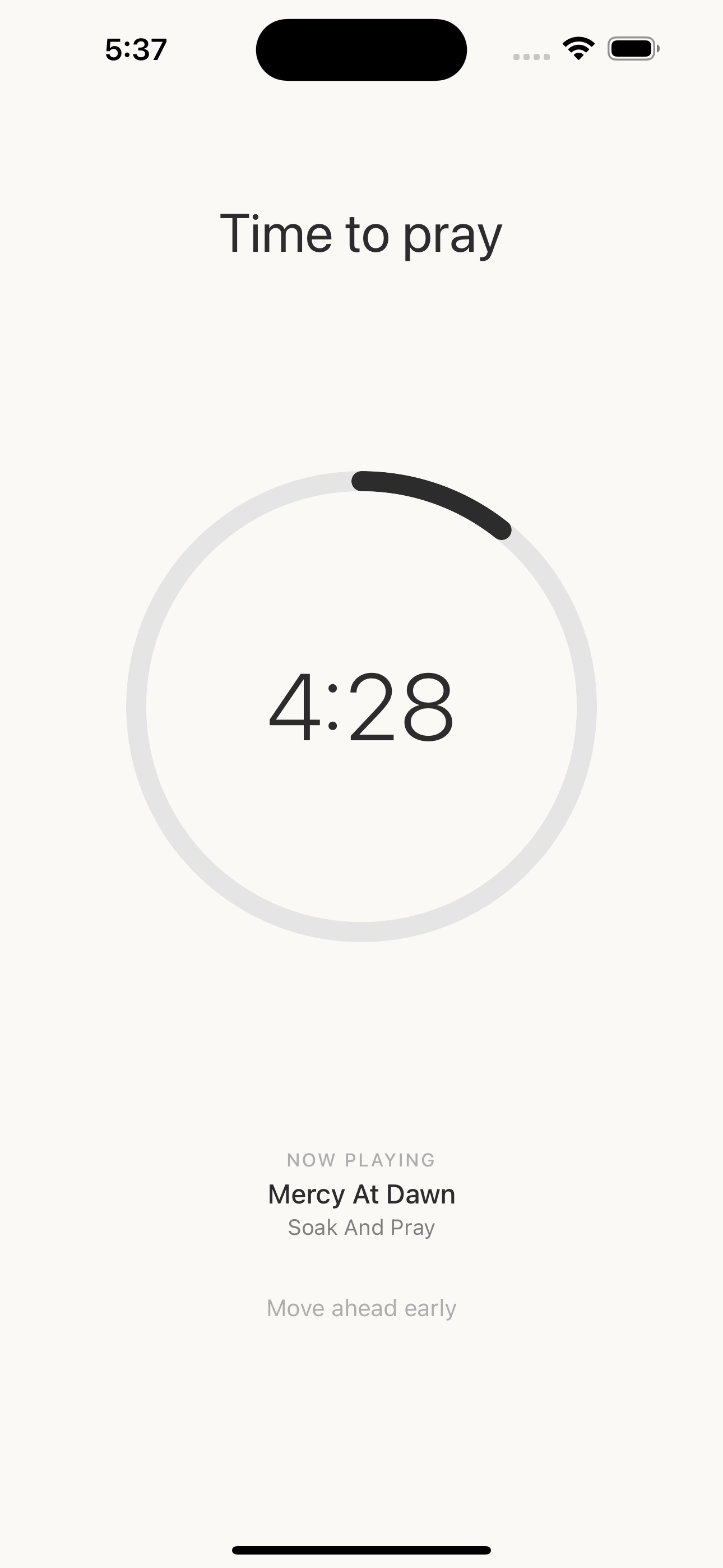
Bible 5-5-5 prayer timer with worship music - 5 minutes of guided prayer time

5 minutes of prayer

Bible 5-5-5 meditation timer - 5 minutes of silence and stillness to hear from God

5 minutes of silence

Bible 5-5-5 journal screen - Record spiritual revelations and insights after your devotion time

Journal it down!

Support

Questions or feedback? Email us at hello@thegoodcitizen.sg

Privacy Policy - Bible 5-5-5

Effective Date: July 25, 2026

Last Updated: July 25, 2026

Overview

Bible 5-5-5 ("the App") is committed to protecting your privacy. This Privacy Policy explains how we collect, use, and safeguard your information when you use our mobile application. The App's core devotional features work entirely on your device. Optional Community features (adding friends and sharing progress) require an account and use secure cloud storage, as described below.

Information We Collect

Information Stored On Your Device

  • Journal Entries: Text you write during the Revelation phase is stored locally on your device.
  • Settings & Preferences: Your timer durations, music preferences, and notification settings are stored locally on your device.

Information You Provide When You Sign In (Optional)

  • Account Details: If you choose to use Community features, you sign in with Sign in with Apple or Google. We receive your name and email address from that provider to create and secure your account. We never receive your Apple or Google password.
  • Community Data: Your display name, friend connections, invite codes, and the progress you choose to share (such as streaks) are stored in our cloud database so they sync across your devices.

Automatically Collected Information

  • Usage Data: We do not use third-party analytics to track your behavior in the App.
  • Account Identifiers: When signed in, a unique account identifier is generated to link your account and friend connections. We do not collect advertising identifiers (IDFA) and do not track you across other apps or websites.

How We Use Your Information

  • Device Data Stays Local: Journal entries and app settings remain on your device unless you use a feature that explicitly syncs them.
  • Community Sync: If you sign in and use Community features, your account, friend connections, and shared progress are stored in Google Firebase (Cloud Firestore) so they are available across your devices and visible to friends you connect with.
  • No Advertising Tracking: We do not use cookies or advertising trackers, and we do not sell your data.

What Your Friends Can See

When you connect with someone using an invite code, they can see your display name and the progress you choose to share (such as your streak). They cannot see your email address, your journal entries, or account details you have not chosen to share.

Third-Party Services

Sign in with Apple

  • Purpose: Account creation and sign-in
  • Data Collected: Name and email address. You may choose to hide your email, in which case Apple provides a private relay email instead.
  • Privacy Policy: https://www.apple.com/legal/privacy/

Google Sign-In

Google Firebase (Cloud Firestore)

  • Purpose: Securely storing your account, friend connections, invite codes, and shared progress so they sync across devices
  • Data Collected: Account identifier, display name, email, friend connections, shared progress
  • Privacy Policy: https://firebase.google.com/support/privacy

Apple App Store

  • Purpose: Processing in-app purchases
  • Data Collected: Apple handles all payment processing. We do not have access to your payment information.
  • Privacy Policy: https://www.apple.com/legal/privacy/

RevenueCat (In-App Purchase Management)

YouVersion Bible App (Optional)

  • Purpose: Opening Bible during Read phase (optional)
  • Data Shared: None. You will be redirected to the YouVersion app or website. We do not share any data with YouVersion.

Data Retention

  • Journal entries and settings stored on your device remain until you delete the app or clear the data manually.
  • Community data (account, friends, shared progress) is retained in our cloud database until you delete your account.

Your Rights

You have the right to:

  • Access your device data (stored locally) and your account data
  • Delete your account and all associated cloud data at any time from Settings → Delete Account. This permanently removes your account, friend connections, invite codes, and shared progress from our cloud storage and cannot be undone.
  • Delete your local data by deleting the app or clearing app data
  • Opt-out of notifications via your device Settings

Children's Privacy

Bible 5-5-5 is rated 4+ and does not knowingly collect personal information from children under 13.

Data Security

  • Device data is stored using your device's secure storage
  • Community data is transmitted over encrypted connections (HTTPS/TLS) and stored securely in Google Firebase
  • We use industry-standard practices for app security

Changes to This Policy

We may update this Privacy Policy from time to time. We will notify you of any changes by updating the "Last Updated" date.

Contact Us

If you have questions about this Privacy Policy, please contact us:

Email: hello@thegoodcitizen.sg
Website: www.thegoodcitizen.sg

↕️ Scroll within the box to read full policy

Bible 5-5-5 - Support

Need help with Bible 5-5-5? We're here for you!

Frequently Asked Questions

How does the 5-5-5 practice work?

Bible 5-5-5 guides you through three 5-minute phases:

  • Pray - 5 minutes of prayer with optional worship music
  • Word - 5 minutes reading Scripture
  • Silence - 5 minutes of quiet meditation

Can I customize the timer durations?

Yes! Pro users can extend each phase from 5 to 15 minutes. Upgrade in the Settings screen.

Why isn't music playing during the Pray phase?

Make sure:

  • Your device volume is turned up
  • Silent mode is off
  • You've selected a music track in Settings

How do I restore my Pro purchase?

Open Settings → tap "Restore Purchases". Your Pro unlock will be restored if you purchased it with the same Apple ID.

What are Community features and do I need an account?

Community features let you connect with friends and share your devotional progress (like streaks) for encouragement. They are completely optional. The core app — timer, reading, journaling, and streaks — works fully without signing in. To use Community, sign in with Sign in with Apple or Google.

How do I add a friend?

Open the Community screen to see your invite code, and share it with a friend. To add someone, enter their invite code. Once connected, you'll each see the progress the other chooses to share.

What can my friends see?

Friends can see your display name and the progress you choose to share (such as your streak). They cannot see your email address or your journal entries.

How do I delete my account?

Open Settings → tap "Delete Account". This permanently removes your account, friend connections, invite codes, and shared progress from our cloud storage. This action cannot be undone. Deleting your account does not remove journal entries stored locally on your device.

Where is my data stored?

Your journal entries and app settings are stored locally on your device. If you sign in to use Community features, your account details, friend connections, and shared progress are stored securely in the cloud (Google Firebase) so they sync across your devices.

Can I export my journal entries?

Journal export is coming in a future update! For now, you can manually copy/paste entries from the Journal screen.

Contact Support

Email: hello@thegoodcitizen.sg

We typically respond within 24-48 hours.

App Information

Developer: The Good Citizen
Version: 3.0.0
Privacy Policy: View Privacy Policy

↕️ Scroll within the box to read all FAQs